Exclusive Talk with John August: Big Fish Screenwriter and Co-Creator of Highland Pro
In this interview, John August, screenwriter of Big Fish, discusses Highland Pro and the design choices that help writers stay with the story instead of the software.

Hi! Here’s what you’ll find in this article:
- A little about my screenwriting experience with the Highland Pro application.
- Seven questions with John August, the screenwriter of Big Fish and co-creator of Highland Pro, about the app’s beginnings, its simplicity, and what comes next.
I wrote my last feature film in Highland Pro, and that experience led me to this conversation with John August, the screenwriter of Big Fish and co-creator of Highland. Before we get to his answers, I want to share a little about how the app fits into my own writing life. Then John answers seven questions about why Highland works the way it does, the thinking behind its simplicity, and what comes next.
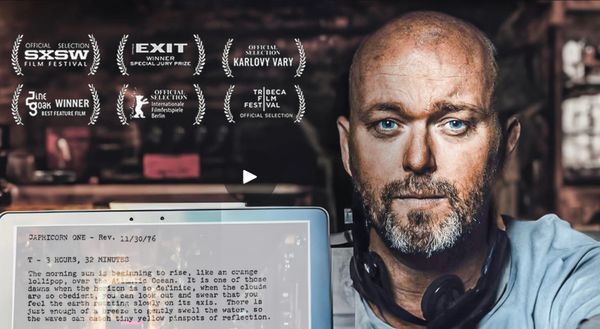
In April and May 2026, I directed, produced and co-wrote a feature film that had been in development for seven years. Highland deserves a good share of the credit for helping me stay with the writing through that process.
For me, Highland is a massive tool against procrastination. What you see is what you get. The best thing is that I don’t have to keep travelling between windows while I’m working. That is probably my biggest gateway to procrastination: I leave the sentence to look for one thing, and suddenly I’m doing something else entirely.
Highland locks me in, but with a sense of freedom. I can stay with the writing without feeling boxed in.
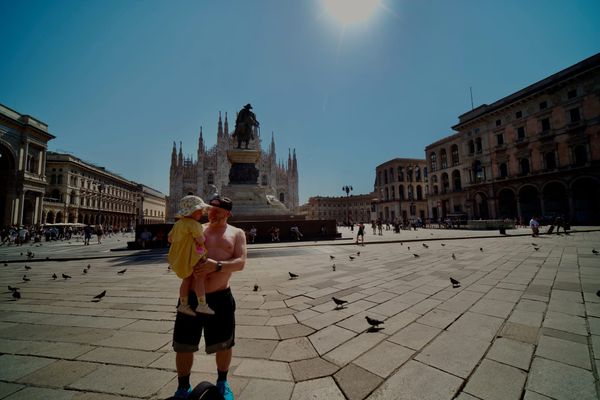
When my daughter was born, my writing time became small. Fifteen minutes here. Twenty minutes there. The challenge wasn’t simply finding time to write. It was returning to a project without spending those minutes trying to remember where I had left it.
Highland made a difference at exactly that point. It didn’t write the film or spare me the difficult decisions. It made it easier to come back and keep working. In those short stretches, that was the difference that mattered.
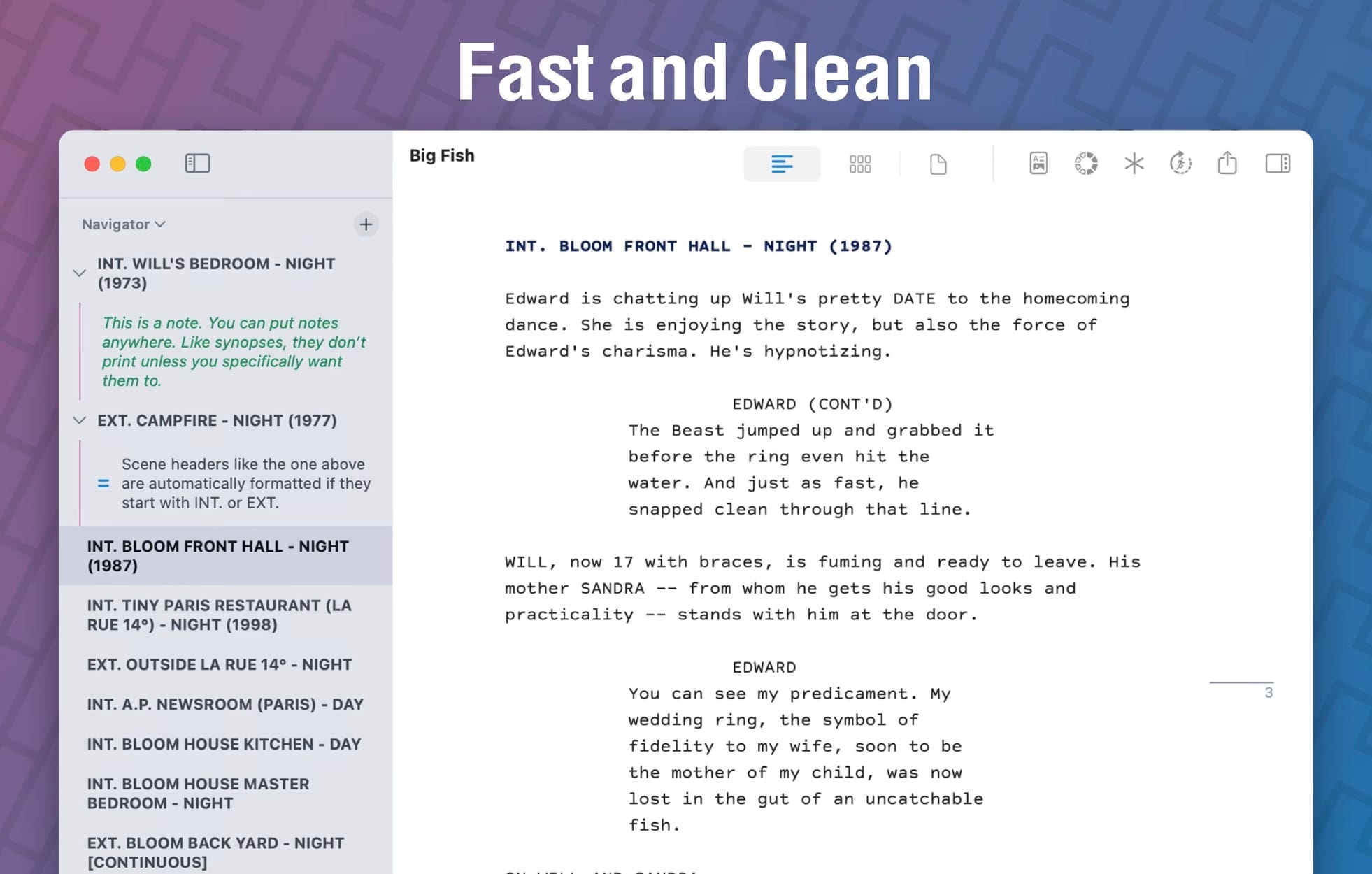
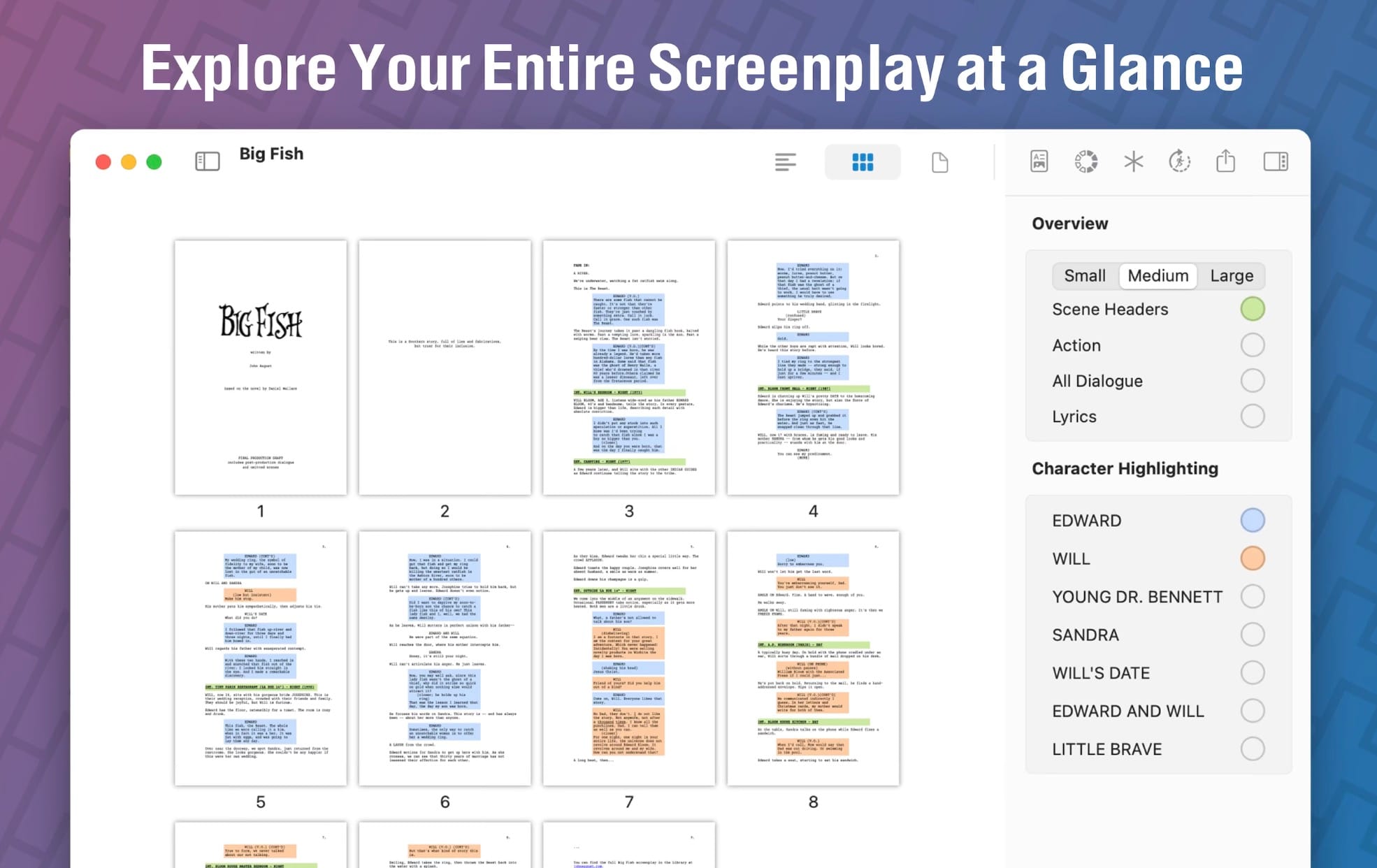
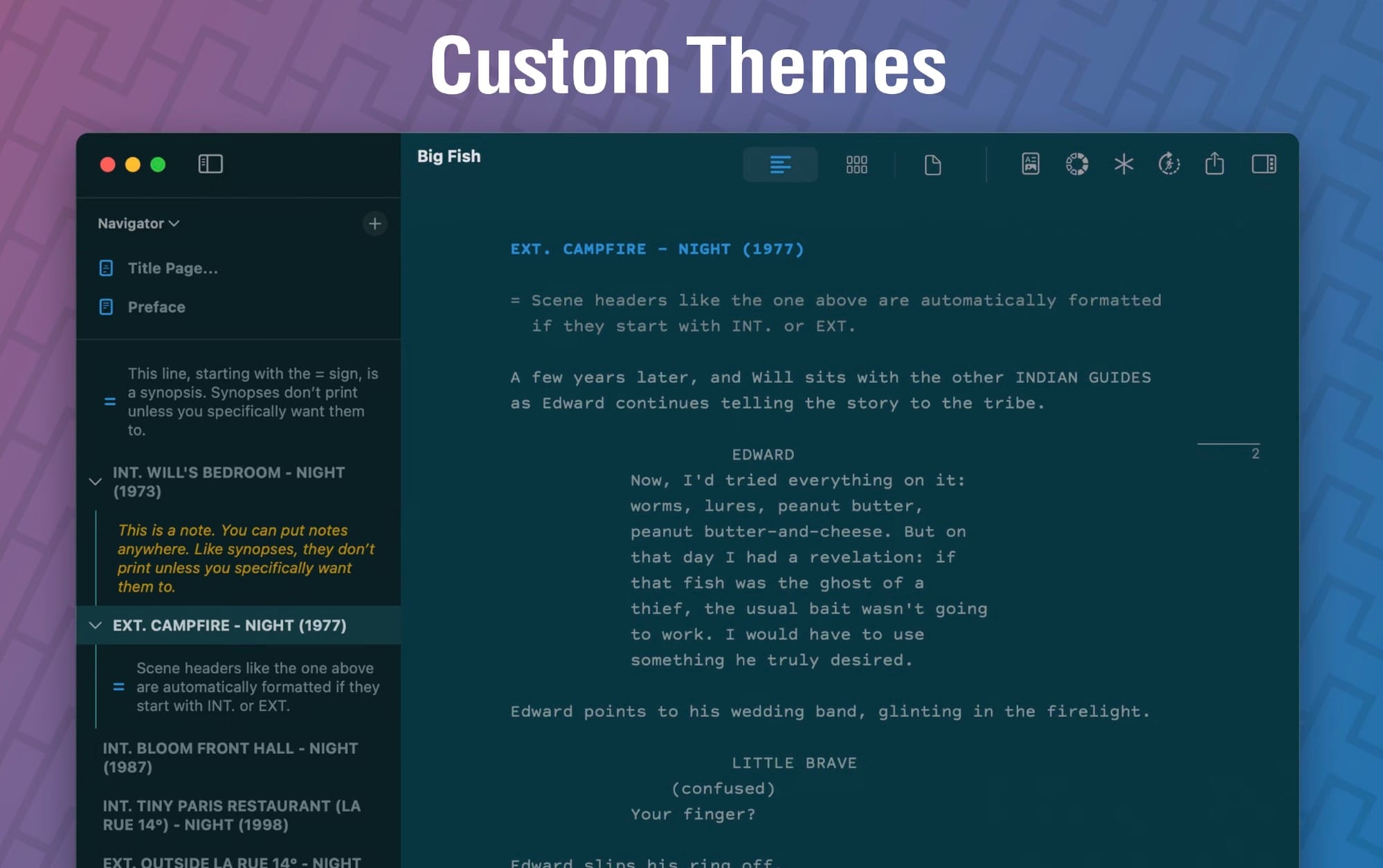
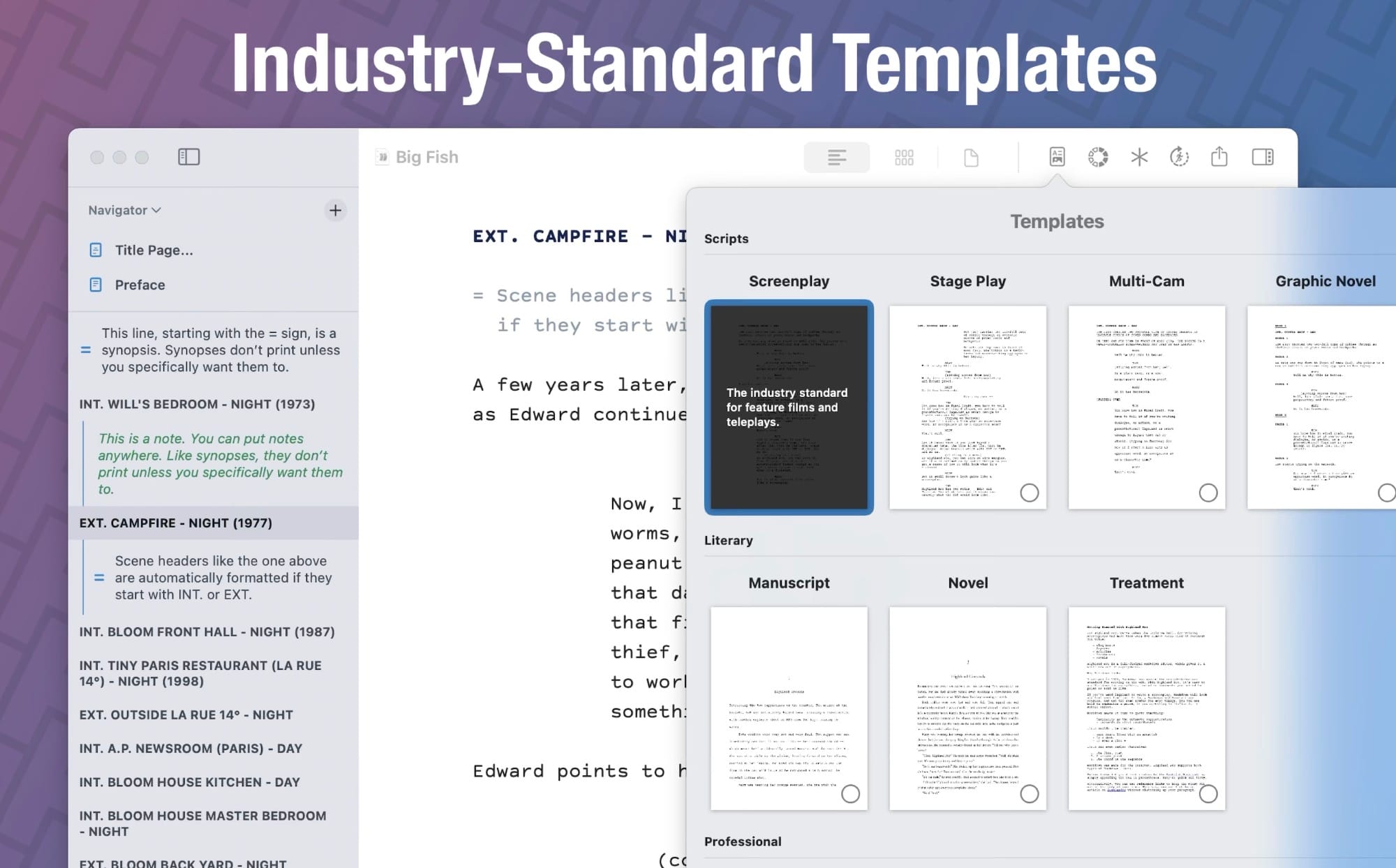
Highland Pro
My method was almost embarrassingly simple: leave one note, marked #nextup, telling myself what to write next. Open the document, find the note, get back into the scene. A small breadcrumb instead of a tour through everything I hadn’t finished.
I’ve written two novels and my last three major film projects in Highland, and it’s the screenwriting software I recommend to my students. So when I contacted the team, I wasn’t looking for an application to review. I wanted to understand something I already relied on.
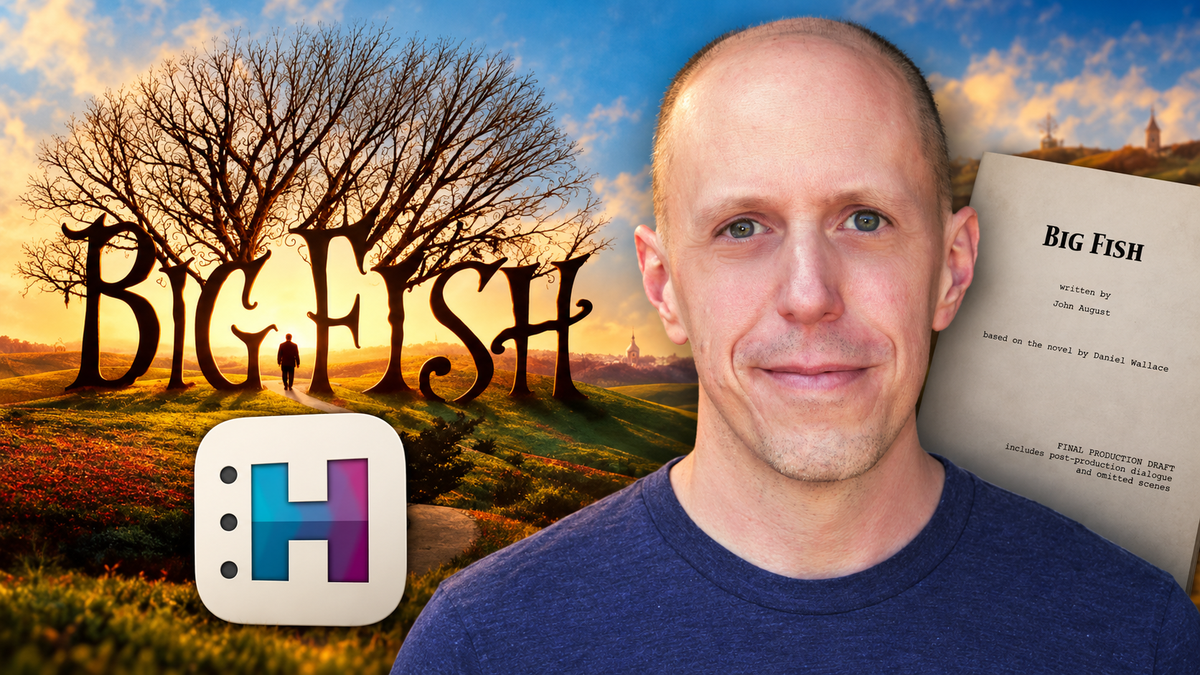
That brought me to John August. He wrote the screenplay for Big Fish, one of my favourite films. Together with the French film Amélie, it was probably the biggest influence on my film career. Those films made me feel that everything was possible. His credits also include Go and Charlie’s Angels. He also helped build Highland with his team at Quote-Unquote Apps. Getting to ask a writer of his experience about the tool behind my own work was a big moment for me.
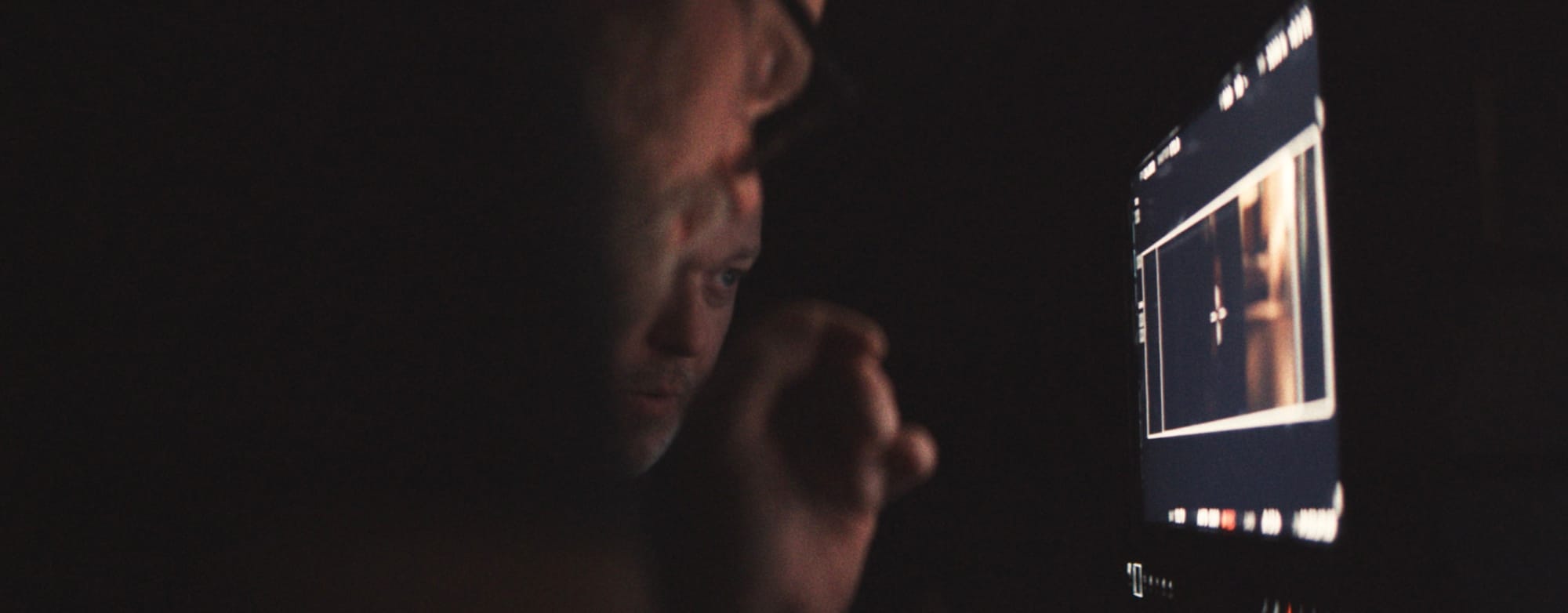
What does someone who writes films for a living want from a writing application? And what does he want it to stop doing?
Consider this a coffee by email: I sent seven questions, and Daniel Sauve-Rogan at Highland arranged the exchange and passed along John’s written answers.
One term worth knowing before we begin is Fountain: a plain-text format for writing screenplays without manually assigning a formatting style to every element. It sits at the heart of Highland—and of several of John’s answers.
John’s seven answers below are reproduced word for word from the email responses supplied on October 17, 2026. Only spacing and paragraph layout have been adjusted.
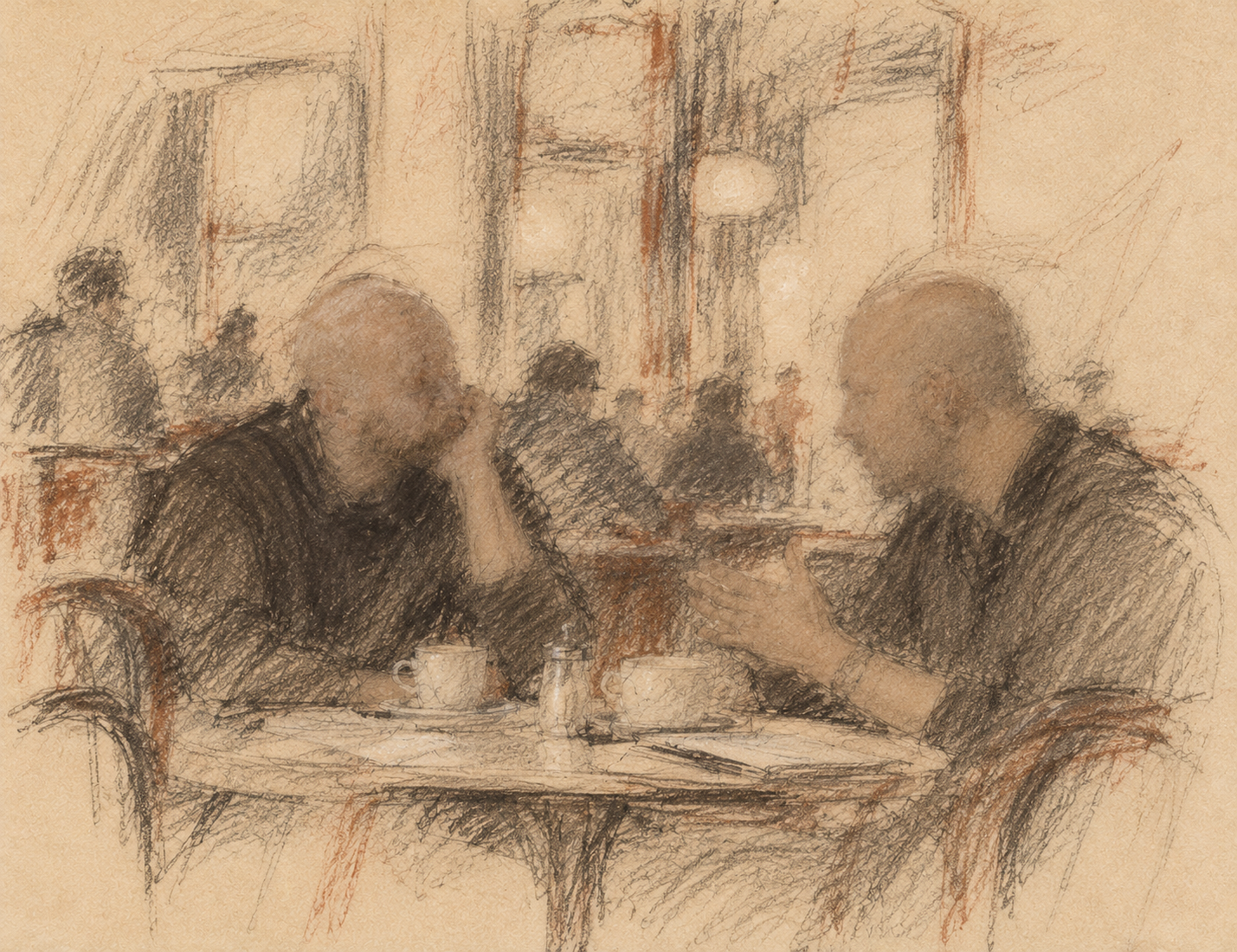
First, get the words out
Olaf de Fleur: What problem was Highland originally designed to solve for writers?
John August: There were two distinct but related problems.
First, as a screenwriter, you're often handed a script that exists only as a PDF. If you need to turn that back into an editable document, it's a nightmare. In some cases, it's faster just to retype it. I challenged Nima Yousefi to build an app that could melt a screenplay PDF down into editable text. That became Highland 1.0.
Second, I got increasingly frustrated with apps like Final Draft, which treat writing as a series of labeling tasks. This piece of text is a character name, this piece is dialogue, etc. I was used to using Markdown for writing blog posts, and I wanted a plain text format that was similar.
We co-developed the Fountain syntax, based on the plain text Nima was extracting in Highland. Highland evolved from an app for extracting text to one designed for writing.
Simplicity is a design decision
Olaf: What principles have guided Highland’s design and development over the years?
John: Simplicity and clarity. We don't want to clutter this screen with a bunch of junk. Everything is about your words. While we've added some very powerful tools to the app, they tuck themselves away when you don't need them.
Olaf: How do you decide which features to add while preserving the app’s simplicity?
John: I'm the app's primary user, so if there's something I need -- something that would be truly useful -- we'll experiment with ways to build it in. An example is our new Card view. There are a thousand bad ways to do index cards. Finding a way that felt appropriate to Highland took a beat, but I'm really happy where we ended up.
As natural as writing an email
Olaf: What role has Fountain played in Highland’s philosophy and workflow?
John: Everything comes back to Fountain. What started as an interchange format is really more a pervasive theory of how writer intention should translate into formatting.
I often say that writing in Fountain should be as natural as writing an email.
Dialogue is the perfect example. If something is uppercase, that's a character name. A line that follows it is dialogue. If that's in parentheses, it's a parenthetical. You don't have to think. Your fingers will naturally do what you need to make the formatting happen.
Leave room for the writer
Olaf: Are there ways filmmakers use Highland that have surprised the team?
John: We're constantly surprised by users who are doing unexpected things with Highland Pro. Obviously, we've tried to anticipate many of their needs using things like the graphic novel or manuscript template. But our users will find their own esoteric ways of using the navigator or the shelf in ways we didn't anticipate. I never use markers, but some of our users swear by them. Where possible, we try to let people experiment.
Olaf: Which current features do you feel are particularly valuable but often overlooked?
John: Synopses are incredibly powerful. They're breadcrumbs you can leave for yourself, placeholders for things you need to remember to write. What's handy is they show up in your navigator as well, so you can quickly focus on the spots that need extra attention.
Beyond the document
Olaf: Where do you see Highland going next, and what do you hope writers will continue to value about it?
John: This year we introduced Highland Fling, which is an easy way to create a short-term shareable link to a document for feedback. It was our first step into the world beyond the app running on your Mac, and we learned a ton. You'll see more coming in this direction.
The fundamental experience of Highland should be frictionless writing. I hope writers will continue to value how simple and powerful a well-designed app can be.
The breadcrumb I leave myself
When John called synopses “breadcrumbs,” I recognised the word immediately. I had used it in my first email to Daniel. Here is how that works in my own writing.
I start a note with an equals sign, which marks a synopsis in Fountain. It stays in my working document but doesn’t appear in the formatted screenplay. Then I add my own #nextup marker and a specific task. For example:
= #nextup Rewrite the kitchen scene’s final exchange.
I can also add a dated marker, #nextup[date], when it’s useful. The hashtags are my own signposts, not special Fountain commands. The equals sign is what keeps the line out of the screenplay. Highland gives me room to design my own system.
I’d chase that line like a blind rabbit. A poor metaphor, perhaps, but poor metaphors are also allowed to use the microphone.
That small habit saves me from browsing around the project to find my place. I can start looking for one thing and suddenly find myself surveying the whole film, considering everything except the sentence in front of me. An overview is useful when I’m planning. When I’m writing, I want the needle back in the groove, not to inspect the whole record collection.
That’s why I wanted to do this interview. Before I asked John about Highland’s design, I had already felt its effect in my own work: less time finding my way back, more time writing the film.
Disclosure: The Highland team provided me with a complimentary Highland Pro license for this coverage. I was already a longtime Highland user before contacting them. John August’s written answers were supplied through Daniel Sauve-Rogan on October 17, 2026.
The writing application discussed in this interview.
View Highland Pro on the App Store →